XXII·AI
AI - Data - Coding - Image Generation - Analysis - Building Apps - Automation - AI - Data - Coding - Image Generation - Analysis - Building Apps - Automation - AI - Data - Coding - Image Generation - Analysis - Building Apps - Automation -

Blog

All Prompting AI
Business Knowledge AI Chatbot

Business Knowledge AI Chatbot

Built in hours, not weeks

Business Knowledge AI Chatbot

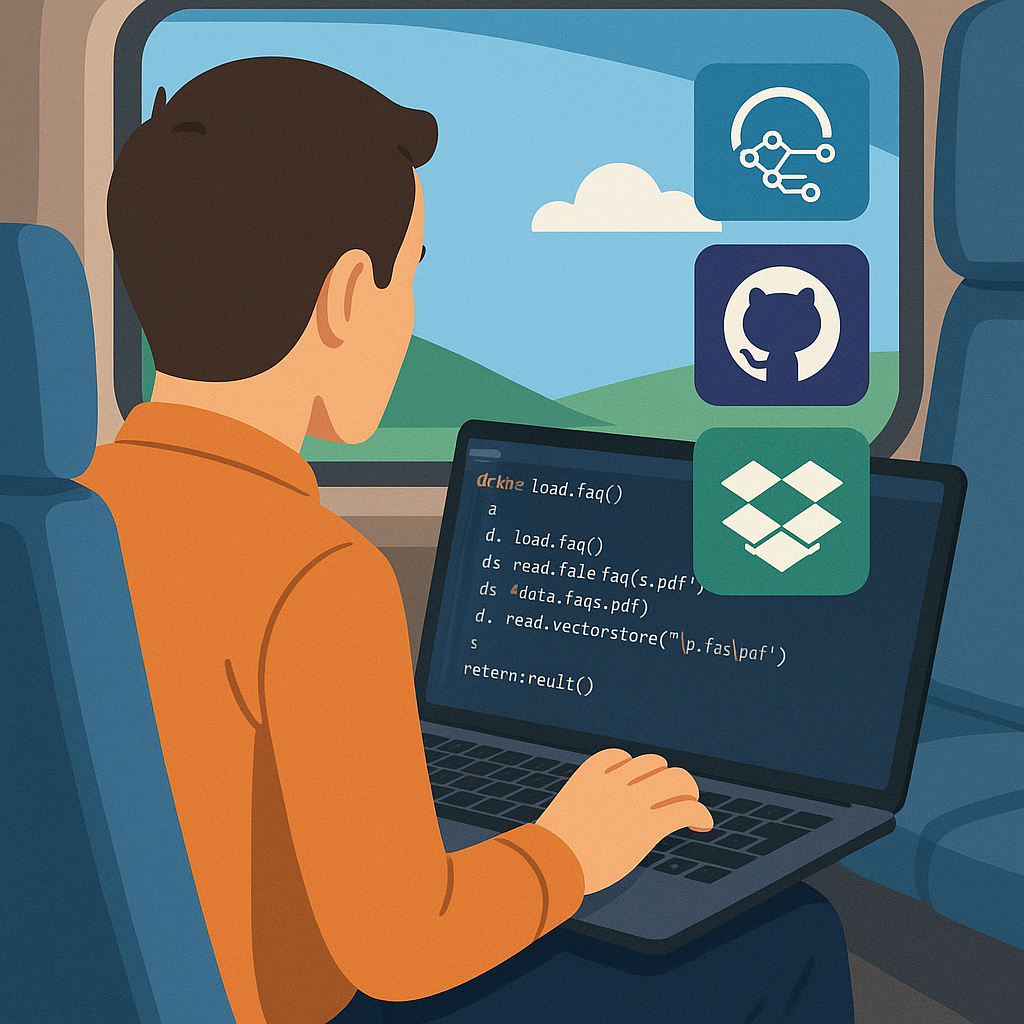
What if you could build your own Business Knowledge AI chatbot during a train journey? 🚆🤖

That’s exactly what I tested last week. Using lightweight tools, it’s now possible to spin up a working chatbot in hours — not weeks.

The stack was simple:

  • Python + Streamlit — lightweight front end, hosted free
  • Azure AI Foundry — the intelligence layer
  • Dropbox — the knowledge base for business documents
  • GitHub — storing and sharing the code openly

The result was a chatbot that can answer business questions using only the company’s own knowledge and files. No complex infrastructure. No lengthy IT projects.

Here’s the recipe anyone can follow:

  • 1️⃣ Base: Build the front end with Python + Streamlit
  • 2️⃣ Brains: Connect to Azure AI Foundry
  • 3️⃣ Knowledge: Integrate a document store (Dropbox, SharePoint, etc.)
  • 4️⃣ Versioning: Store and share the code on GitHub
  • 5️⃣ Serve: Deploy and start asking real business questions

Business-ready AI doesn’t have to be theoretical — it’s practical, accessible, and ready to pilot today.
Where could a knowledge-focused AI chatbot add the most value in your business?

Crafting Perfect Prompts

Crafting the Perfect Prompt

Prompting framework

Crafting the Perfect Prompt

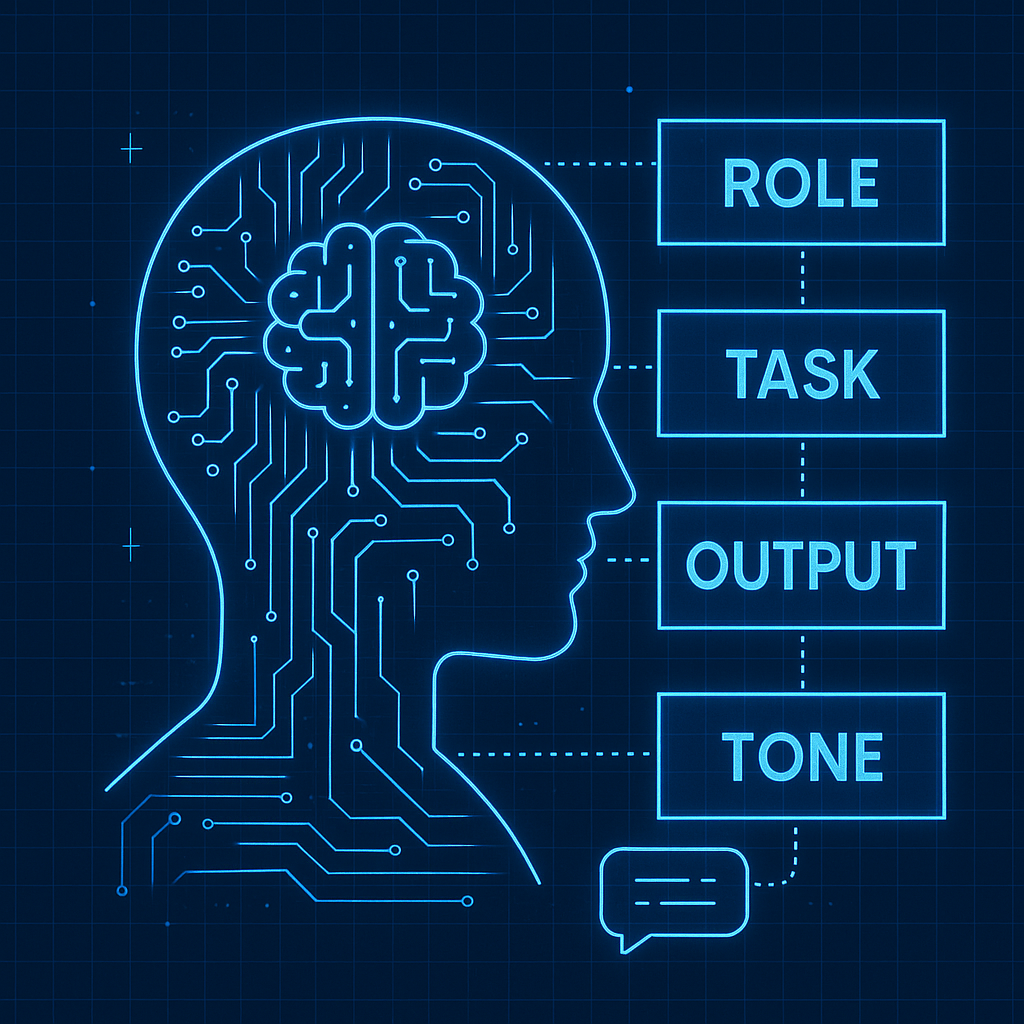
Ever stared at ChatGPT and thought: “I know what I want, but how on earth do I ask for it?” The quality of your output is only as good as the clarity of your input. Here’s the simple framework I use to craft perfect prompts.

  • Role: Who should the AI be? (Project manager, designer, data analyst…)
  • Task: What’s it doing? (Create a plan, summarise research, build SQL code…)
  • Output: What format do you need? (Table, bullet points, 200‑word summary…)
  • Tone/Style: How should it sound? (Professional, casual, punchy, friendly…)

To level‑up your prompts:

  • Add constraints (“Explain in fewer than 100 words”).
  • Go iterative (“Good start, now expand point 2 into a paragraph”).
  • Share examples of what “good” looks like.
  • Always give context — who it’s for, and why it matters.

AI is only as good as the prompts we feed it — and that’s the fun part: we’re learning to speak a new language of creativity and clarity.

AI as Collaborator

AI & Creativity

Working smarter & creating differently

AI hasn’t just helped me work smarter—it’s changed the way I create.

Over the past few months, I’ve been leaning into AI not just as a tool, but as a collaborator. It’s enabled me to turn complex data into decision‑ready insights, predict outcomes, surface patterns we’d usually miss, learn new coding approaches and even build apps from the ground up.

  1. Turn complex data into decision‑ready insights
  2. Predict outcomes and surface patterns we’d usually miss
  3. Learn new coding approaches and actually build apps from the ground up
  4. Even create APIs that connect systems in ways I never imagined I’d be able to do

What’s struck me most? AI doesn’t just save time — it expands capability. It’s like having an extra set of hands, a second brain and a sounding board all rolled into one.

And honestly, this is only the beginning. The more seamlessly AI blends into how we work, the more space we’ll have for ideas, creativity and building things that seemed impossible a year ago.

AI shouldn’t be something to fear. Harnessed in the right way, it can be one of the most powerful tools we have to propel individuals and businesses forward.